Trade on TradingView
Analyse markets, build strategies, and trade directly from charts on TradingView. Get access to advanced charting capabilities, 400+ built-in indicators, news alerts, and trade global markets alongside our exclusive 24/7 Synthetic Indices.

The charting and trading platform millions trust
400+ indicators for detailed analysis
Built-in indicators, powerful asset screeners, alerts, and strategy testing using historical data.
Industry-leading charts
17 chart types, 110+ drawing tools, and deep customisation for any trading style.
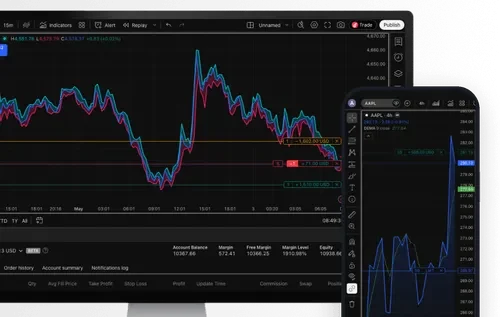
Real-time news and alerts
Set custom price, indicator, or trendline alerts and get notified the moment the market moves your way.
Android & iOS
Get TradingView


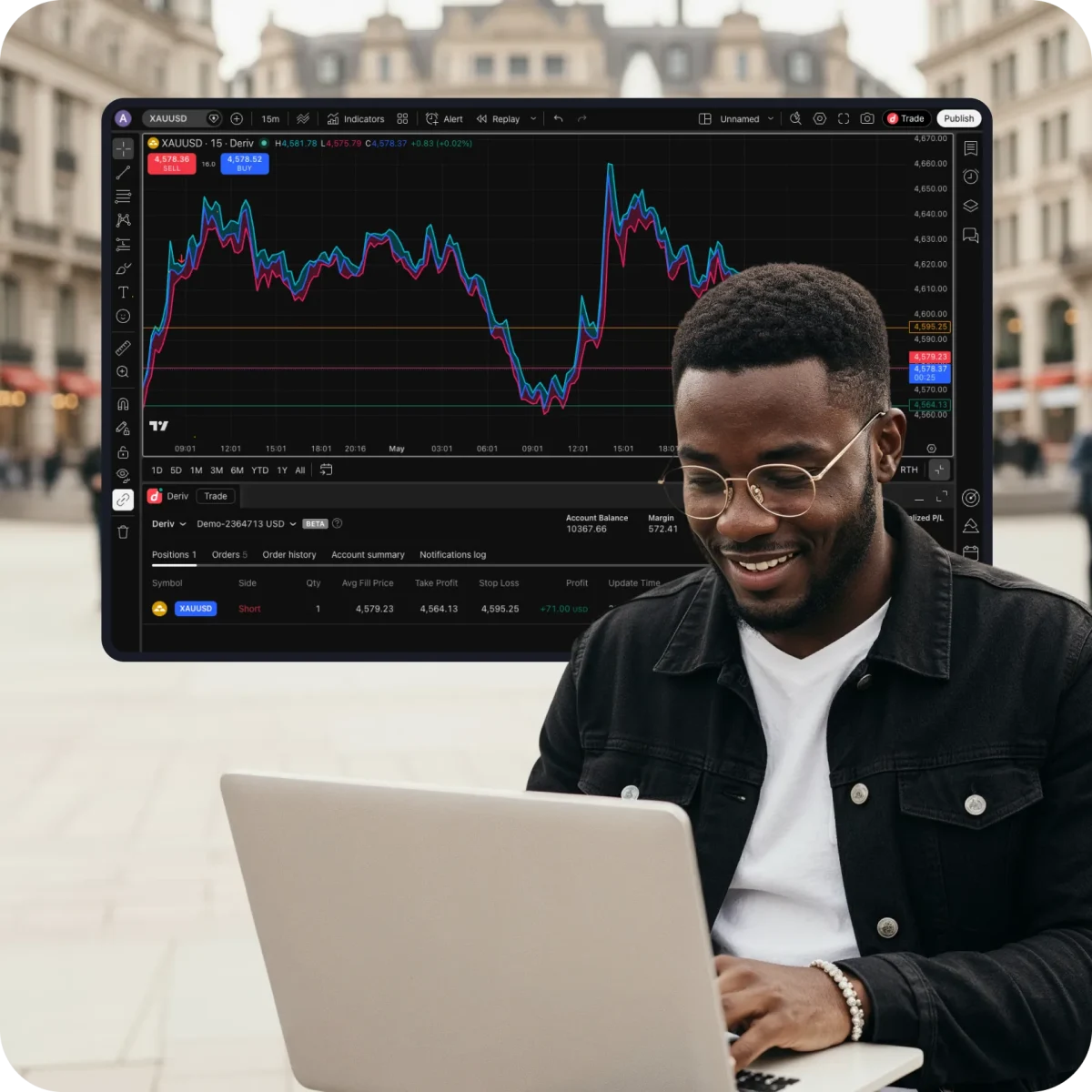
How to access TradingView
Sign up for an account
Sign up for a free Deriv account and a free TradingView account.
Find TradingView on your Deriv dashboard
Find it under the CFDs section, and click Connect to TradingView.
Connect your accounts
In TradingView, click Connect to link your accounts.
Start trading
Choose your favourite instrument and start trading directly on TradingView charts.
