All your trading in one app

Manage your accounts, move your funds, and trade CFDs and options on the go with the Deriv trading app.

Illustration showing various currency pairs like EUR/USD, EUR/CHF, AUD/JPY, GBP/SEK, USD/ZAR

Everything you need in one place

Manage your account with ease

Track your balance, monitor your portfolio, and switch between real and demo accounts anytime.

Fund your trading

Deposit, withdraw, or move funds between your accounts so you’re ready to trade without delay.

Trade on your preferred platform

Open MT5, cTrader, or Deriv Trader directly from the app and continue trading the way you want.
Scan to download

Android & iOS

Get Deriv Nakala

Two ways to trade

Trade CFDs on global markets

Select Deriv MT5 or Deriv cTrader — two of the most powerful CFD trading platforms. Open it in your browser or continue in their apps.

Trade options instantly

Start trading options directly in the app with Deriv Trader. Access accumulators, multipliers, turbos, and vanillas in just a few taps.

Get started in three steps

1

Download the Deriv trading app

Available on the App Store and Google Play.

2

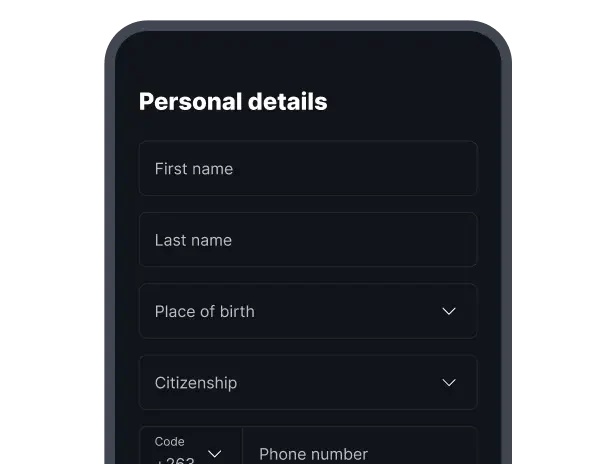
Create your account

Sign up for a new Deriv account and verify your identity to unlock full access to the app.
3

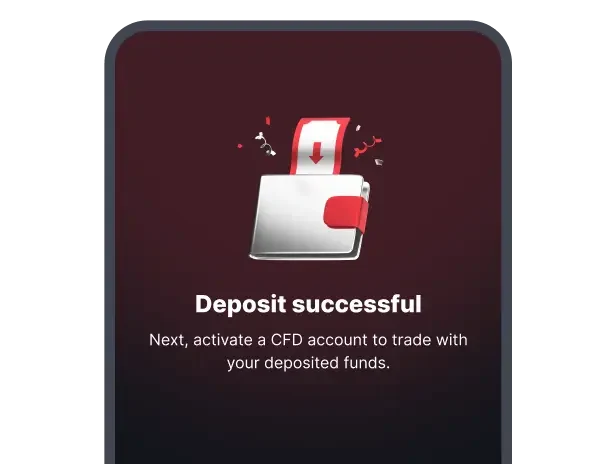
Fund your account and start trading

Make your first deposit and choose how you want to trade — CFDs or options.
FAQs

How do I get started on the Deriv trading app?

To start trading on the Deriv app, create a new Deriv account directly from the app and complete verification. Once set up, you can fund your account and start trading.

Is the Deriv trading app free to download?

Yes, it’s free to download on both iOS and Android. Creating a Deriv account is also free. You only need funds in your account when you're ready to start trading.

What can I trade on the app?

The Deriv trading app gives you access to two types of trading. For CFDs, the app connects you to Deriv MT5 and Deriv cTrader, where you can trade forex, indices, commodities, cryptocurrencies, and derived indices. For options, Deriv Trader is built directly into the app, giving you access to four contract types — accumulators, multipliers, turbos, and vanillas — on the same markets.

Can I trade on a demo account through the Deriv trading app?

Yes. The app gives you full access to both real and demo accounts. Your demo account comes loaded with virtual funds, so you can explore the platforms, practise trading CFDs and options, and get comfortable with the app all without risking real money. Switch between accounts anytime from the app's home screen.

Do I need to install MT5 or cTrader to trade CFDs?

Not necessarily. You can trade CFDs directly through the browser-based web terminal within the Deriv trading app, with no additional downloads required. If you prefer the full trading experience that MT5 or cTrader offers, you can choose to download their dedicated apps separately.